
If you want to create a website or blog, web hosting is one of the most important things you need to understand. Even if you’re just starting out, knowing the basics of web hosting will help you choose the right service, avoid common mistakes, and ensure your site runs smoothly and securely.
What Exactly Is Web Hosting?
Web hosting is a service that stores all the files of your website (HTML, CSS, images, videos, blog posts, databases, etc.) on a special computer called a server. These servers are powerful machines that stay online 24/7 and are connected to the internet at very high speeds.
When someone types your website address (for example, www.yourblog.com) into their browser, the browser sends a request to the server where your website lives. The server then delivers (or “serves”) your web pages to the visitor’s device. In simple terms:
Web hosting = the home for your website on the internet.
Without web hosting, your website files would just sit on your personal computer, which is usually off, slow, and not designed to handle multiple visitors at once.
How Does Web Hosting Actually Work? (Simple Explanation)
- You Build Your Website You create your site using WordPress, a website builder (like Wix, Squarespace, or Framer), or custom code.
- You Upload Your Files You transfer your website files from your computer to the hosting server using FTP, a file manager, or one-click installers.
- Domain Name Connection You point your domain name (yourwebsite.com) to the hosting server using DNS settings. This tells the internet: “When someone visits this domain, go to this server.”
- Visitors Access Your Site Whenever someone visits your site, their browser communicates with the hosting server. The server quickly sends back the requested pages, images, and content.
- The Server Handles Everything in the Background
- Stores your files safely
- Runs your website software (WordPress, etc.)
- Manages databases
- Handles email (in many cases)
- Protects against attacks with firewalls and security tools
Main Types of Web Hosting (Beginner’s Guide – 2026)
Here’s a simple breakdown of the most common hosting types:
- Shared Hosting Your website shares a server with many other websites (like living in an apartment building). Best for: Beginners, small blogs, personal websites. Pros: Very affordable, easy to use, managed by the host. Cons: Limited resources — if another site gets too much traffic, it can slow yours down.
- VPS (Virtual Private Server) Hosting You still share a physical server, but you get your own dedicated portion of resources (like having your own apartment in a building). Best for: Growing blogs or small businesses that need more speed and control.
- Cloud Hosting Your website is hosted across multiple interconnected servers (the “cloud”). If one server has issues, others take over automatically. Best for: Sites that expect traffic spikes or need high reliability.
- Dedicated Server Hosting You rent an entire physical server for your website only. Best for: Large websites with very high traffic (usually not needed for beginners).
- Managed WordPress Hosting A special type of hosting optimized specifically for WordPress sites with automatic updates, enhanced security, and faster performance. Popular in 2026 for bloggers and content creators.
Key Features to Look for in Web Hosting (Beginner Checklist)
When choosing your first hosting provider, pay attention to these important features:
- Uptime Guarantee — Look for at least 99.9% uptime (your site should almost never be down).
- SSD Storage — Much faster than old HDD storage.
- Free SSL Certificate — Essential for security (HTTPS) and SEO.
- Easy One-Click WordPress Install — Makes setup simple.
- Daily Backups — Automatic backups so you can restore your site if something goes wrong.
- 24/7 Customer Support — Very important when you’re just starting.
- Free Domain for First Year — Often included in beginner plans.
- Scalability — Ability to upgrade easily as your blog grows.
Popular Web Hosting Providers for Beginners in 2026
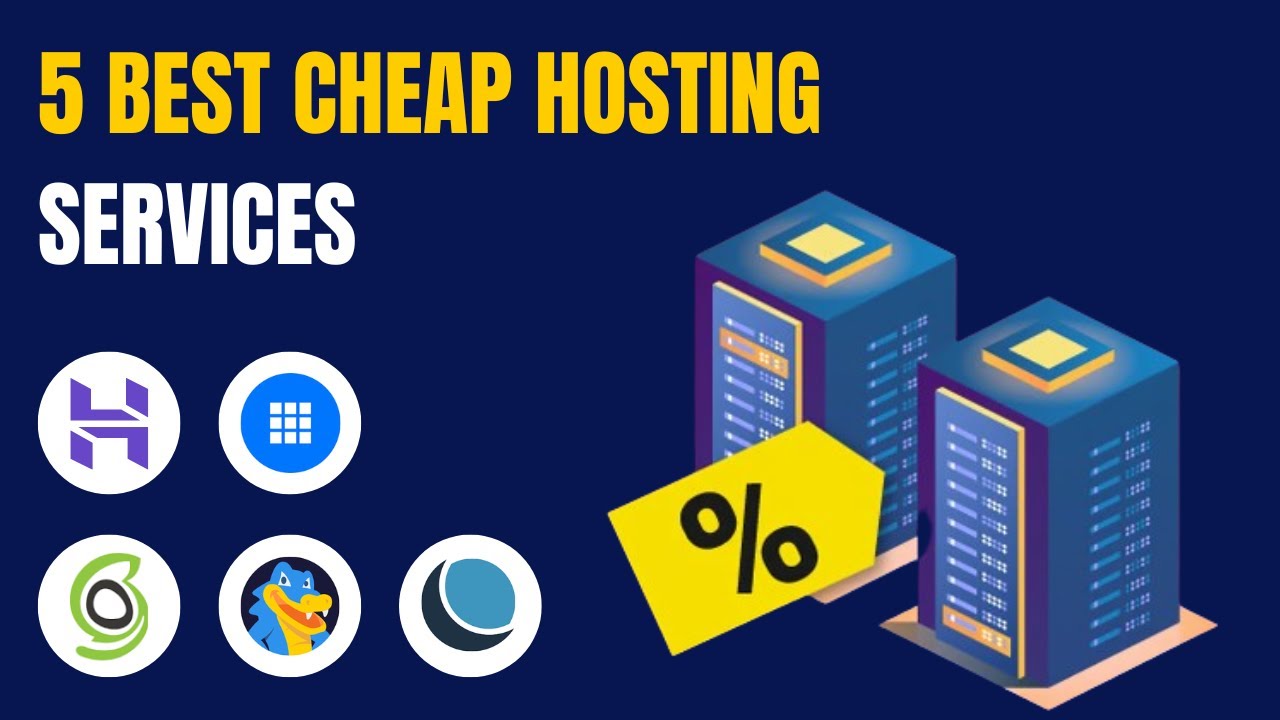
- Hostinger — Extremely affordable with excellent performance.
- Bluehost — Official WordPress-recommended host, beginner-friendly.
- SiteGround — Great speed and top-tier support.
- Cloudways — Easy managed cloud hosting.
- Kinsta or WP Engine — Premium managed WordPress hosting (best for growing blogs).
Quick Tip for Absolute Beginners
Start with Shared Hosting or Managed WordPress Hosting. These options are the easiest — the hosting company handles most technical tasks so you can focus on creating content instead of managing servers.
Most hosts offer a 30-day money-back guarantee, so you can test them risk-free.
Why Understanding Web Hosting Matters
Choosing the right web hosting directly affects:
- How fast your blog loads (important for SEO and user experience)
- How reliable your site is
- Your site’s security
- How much it costs as you grow
- How easily you can scale when your audience increases
A good host acts like a strong foundation for your website. A bad one can cause slow loading times, frequent downtime, and lost visitors.
Pro Tip: After you pick your hosting, always enable automatic backups and install a security plugin (like Wordfence or Solid Security if using WordPress). This keeps your blog safe from day one.
Would you like me to continue the series with the next logical article, such as “How to Choose the Best Web Hosting for Your Blog in 2026” or “How to Connect Your Domain to Web Hosting”? Just say the title and I’ll write it in the same consistent style.