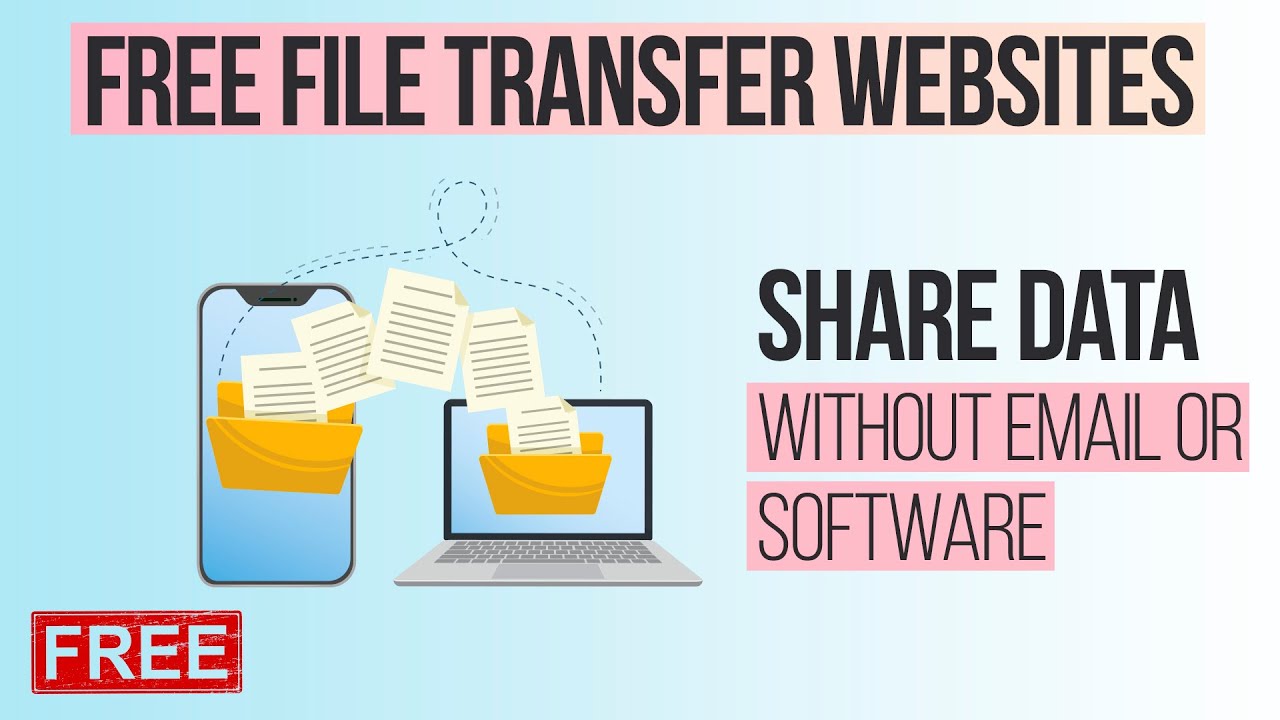
In 2026, Android users have more free cloud storage options than ever. Whether you need space for photos, videos, documents, or backups, the right app can sync files seamlessly across your phone, tablet, and other devices while keeping costs at zero.
Free tiers vary significantly in storage amount, speed, privacy features, and Android app quality. Some prioritize massive storage, others focus on deep integration with Android or strong security. Here’s a curated list of the best free cloud storage apps for Android this year, based on storage generosity, app performance, features, and real-user feedback.
1. Google Drive – Best Overall for Most Android Users
Google Drive remains the top choice for Android owners thanks to its seamless integration. The app comes pre-installed on most devices, offering smooth backup for photos, automatic sync, and direct access from Google Photos, Gmail, and Docs.
- Free Storage: 15 GB (shared across Drive, Gmail, and Photos)
- Key Android Features: Offline access, quick sharing, file previews, folder sync, and excellent search powered by Google AI
- Pros: Fast uploads/downloads, deep Android ecosystem integration, collaborative editing
- Cons: Storage shared with other Google services; privacy concerns for some users
- Best For: Everyday users, Google Workspace fans, and photo backups
2. MEGA – Most Generous Free Storage
MEGA stands out with one of the largest free plans available, combined with strong end-to-end encryption.
- Free Storage: 20 GB base (often expandable to 30+ GB via achievements and referrals)
- Key Android Features: Secure file transfers, chat integration, offline mode, and fast syncing
- Pros: Excellent privacy with zero-knowledge encryption, generous limits, good media previews
- Cons: Slightly more complex interface; occasional download speed throttling on free accounts
- Best For: Users needing maximum free space with privacy in mind
3. TeraBox – Biggest Free Storage (1 TB)
If raw storage volume is your priority, TeraBox offers an unbeatable 1 TB free.
- Free Storage: 1 TB (1024 GB)
- Key Android Features: Automatic photo/video backup, clean interface, offline access
- Pros: Massive space ideal for heavy media users, simple app
- Cons: Includes ads on free plan, slower transfer speeds compared to premium services, and some privacy questions due to ownership
- Best For: Users storing large photo/video libraries who don’t mind occasional ads
4. pCloud – Best for Media and Speed
pCloud delivers a balanced free plan with strong performance and media-friendly features.
- Free Storage: 10 GB (expandable via referrals)
- Key Android Features: Automatic camera upload, excellent audio/video player, fast syncing
- Pros: Lifetime plan options available later, good encryption, clean Android app
- Cons: Base free storage is moderate
- Best For: Music lovers, photographers, and users who want reliable media streaming
5. Microsoft OneDrive – Best for Microsoft Users
OneDrive integrates beautifully if you use Microsoft 365 or Office apps on your Android device.
- Free Storage: 5 GB
- Key Android Features: Office document editing, camera roll backup, Files On-Demand (saves phone space)
- Pros: Smooth integration with Word, Excel, and PowerPoint; reliable syncing
- Cons: Smaller free tier
- Best For: Students, professionals using Microsoft tools
6. Sync.com – Best for Privacy and Security
Sync.com focuses on zero-knowledge encryption, making it a top pick for sensitive files.
- Free Storage: 5 GB (expandable to 20+ GB with referrals)
- Key Android Features: Secure sharing, version history, remote wipe
- Pros: Strong security, no ads, reliable Android app
- Cons: Limited free storage compared to leaders
- Best For: Users prioritizing data privacy over storage volume
7. Proton Drive – Best for Maximum Privacy
From the makers of ProtonMail, Proton Drive emphasizes end-to-end encryption.
- Free Storage: 5 GB
- Key Android Features: Secure backups, easy sharing with password protection
- Pros: Excellent privacy features, clean interface
- Cons: Smaller storage limit
- Best For: Privacy-conscious users
Other Notable Mentions
- Dropbox: 2 GB free (expandable via referrals); reliable but limited storage.
- Icedrive: 10 GB free; fast and simple, good for basic needs.
- IDrive: Strong backup features with decent free tier for Android backups.
Quick Comparison Table (2026 Free Tiers)
| App | Free Storage | Encryption Level | Android App Rating | Best For | Major Drawback |
|---|---|---|---|---|---|
| Google Drive | 15 GB | Standard (TLS) | Excellent | Daily Android use | Shared with Gmail/Photos |
| MEGA | 20 GB+ | End-to-End (Zero-Knowledge) | Very Good | Max free space + privacy | Occasional throttling |
| TeraBox | 1 TB | Standard | Good | Massive media libraries | Ads & slower speeds |
| pCloud | 10 GB | Optional Client-Side | Very Good | Media files & speed | Moderate base storage |
| OneDrive | 5 GB | Standard | Excellent | Microsoft Office users | Small free tier |
| Sync.com | 5 GB (up to 25 GB) | Zero-Knowledge | Good | Privacy-focused backups | Limited base storage |
| Proton Drive | 5 GB | End-to-End | Good | Strong privacy | Smaller storage |
Tips for Choosing and Using Free Cloud Storage on Android
- Combine Services: Use Google Drive for documents and TeraBox/MEGA for large media files.
- Enable Auto-Backup: Turn on camera roll backups carefully to avoid eating your free quota quickly.
- Check Speeds and Limits: Free plans may have bandwidth caps or slower downloads during peak times.
- Security First: For important files, prefer apps with end-to-end or zero-knowledge encryption (MEGA, Sync.com, Proton Drive).
- Test the App: Android apps vary in battery usage and background sync efficiency — try a few before committing.
- Manage Storage: Regularly review and delete old files, especially on shared Google storage.
In 2026, Google Drive still wins for convenience on Android, while MEGA and TeraBox lead for sheer storage volume. If privacy matters most, go with MEGA, Sync.com, or Proton Drive.
Start with the app that matches your primary need — whether it’s seamless integration, massive space, or ironclad security — and enjoy free cloud storage without compromise.