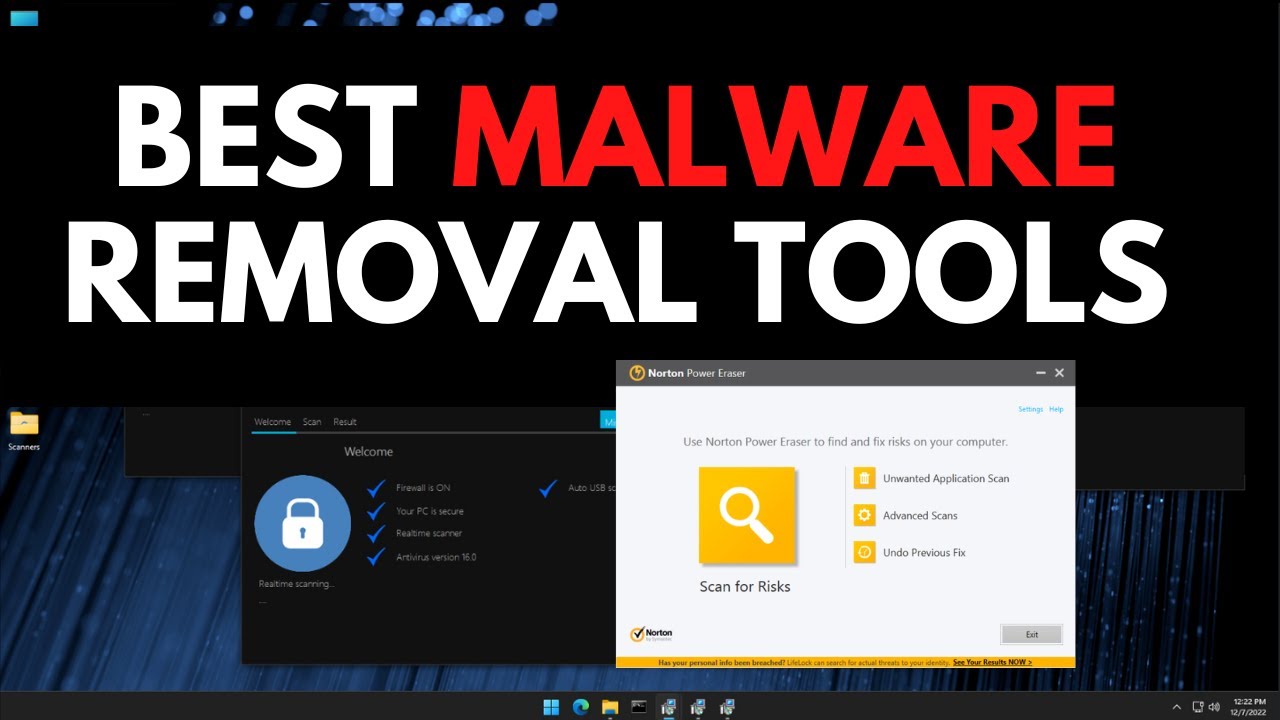
Malware infections — including viruses, ransomware, spyware, adware, browser hijackers, and rootkits — remain a common threat even in 2026. If your PC is running slow, showing pop-ups, redirecting browsers, or behaving strangely, a dedicated malware removal tool can often clean it up effectively without spending money.
While Microsoft Defender (built into Windows 11/10) provides solid real-time protection and on-demand scanning for most users, specialized free tools frequently detect and remove stubborn threats that slip past built-in defenses. The best approach in 2026 is a layered strategy: use Windows Defender daily, and run trusted second-opinion scanners when you suspect infection.
Here are the top free malware removal tools that consistently rank highest in independent tests and real-world use as of 2026.
1. Malwarebytes Free (Best Overall for Malware Removal)
Malwarebytes remains the gold standard for on-demand malware cleanup. Its free version excels at detecting and removing advanced threats, including rootkits, ransomware remnants, and potentially unwanted programs (PUPs) that traditional antivirus might miss.
- Key strengths: Extremely effective against stubborn infections, fast scans, easy-to-use interface.
- Limitations: Free version is on-demand only (no real-time protection unless you upgrade).
- Best for: Cleaning already-infected PCs or running periodic deep scans.
Pro tip: Always download the latest version directly from the official Malwarebytes website to avoid fake sites.
2. Avast One Essential / Avast Free Antivirus (Best All-Around Free Protection)
Avast’s free tier offers strong malware detection, removal, and additional tools like a network inspector and basic ransomware shield. It scores excellently in independent lab tests (AV-Test, AV-Comparatives) and includes a solid cleanup engine.
- Key strengths: Comprehensive scanning + removal, Wi-Fi security checks, low system impact.
- Limitations: Free version may show upgrade prompts; some advanced features are paid.
- Best for: Users who want ongoing free protection alongside manual removal.
3. AdwCleaner (by Malwarebytes) – Best for Adware & Browser Hijackers
This lightweight, portable tool specializes in removing adware, toolbars, browser hijackers, and PUPs that slow down your system and invade your privacy.
- Key strengths: Very fast, targeted, no installation required (portable version available).
- Best for: Fixing browser issues like unwanted extensions, homepage changes, or excessive ads.
Run AdwCleaner alongside Malwarebytes for thorough browser cleanup.
4. Bitdefender Antivirus Free / Bitdefender Rootkit Remover
Bitdefender’s free edition provides excellent on-demand scanning with minimal impact on performance. Their separate Rootkit Remover tool is particularly effective against deeply hidden infections.
- Key strengths: High detection rates, lightweight, strong against rootkits.
- Best for: Users seeking a no-frills, high-performance scanner.
5. Emsisoft Emergency Kit (Best Portable Emergency Tool)
A fully portable scanner that runs without installation — perfect when your PC is too infected to install software normally.
- Key strengths: Boots from USB if needed, powerful dual-engine scanning, excellent for severe infections.
- Best for: Rescue operations on heavily compromised systems.
6. Other Strong Free Options
- Microsoft Defender (built-in): Excellent baseline protection with regular updates. Use its “Full scan” or “Microsoft Defender Offline scan” for deeper cleaning.
- AVG AntiVirus Free: Similar to Avast (same parent company) with reliable detection and removal.
- Sophos Scan & Clean: Fast, portable scanner good for quick checks.
- HitmanPro (Sophos): Powerful second-opinion scanner (free for limited use or trial).
Recommended Malware Removal Workflow (2026)
When your PC is suspected of infection, follow this safe sequence:
- Boot into Safe Mode — Restart while holding Shift → Troubleshoot → Advanced options → Startup Settings → Restart → Choose option 4 or 5.
- Update Windows and Defender — Ensure everything is current.
- Run Windows Defender Full/Offline Scan.
- Scan with Malwarebytes Free (quarantine everything it finds).
- Run AdwCleaner to clean browser-related junk.
- Optional: Follow up with Emsisoft Emergency Kit or Bitdefender for a second opinion.
- Restart normally and monitor for issues.
After cleaning:
- Change all important passwords from a clean device.
- Enable two-factor authentication everywhere.
- Consider switching to a lightweight paid antivirus if infections recur frequently.
Quick Comparison Table: Best Free Malware Removal Tools (2026)
| Tool | Best For | Portable? | Real-Time Protection | Detection Strength | Ease of Use | System Impact |
|---|---|---|---|---|---|---|
| Malwarebytes Free | General malware & rootkits | No | No (on-demand) | Excellent | Excellent | Low |
| Avast One Essential | All-around protection + removal | No | Yes (limited) | Very Good | Excellent | Low |
| AdwCleaner | Adware, PUPs, browser hijackers | Yes | No | Excellent (targeted) | Excellent | Very Low |
| Bitdefender Free | Lightweight deep scans | No | Limited | Excellent | Very Good | Very Low |
| Emsisoft Emergency Kit | Severe infections / rescue | Yes | No | Very Good | Good | Low |
| Microsoft Defender | Everyday baseline protection | Built-in | Yes | Very Good | Excellent | Low |
Important Safety Tips
- Download tools only from official websites (malwarebytes.com, avast.com, etc.).
- Avoid “free PC cleaners” or unknown scanner sites — many are malware themselves.
- Keep your tools and Windows updated for the latest threat signatures.
- Prevention is better than cure: Use a good ad-blocker, avoid suspicious downloads, and enable Windows SmartScreen.
These free tools, when used correctly, can remove the vast majority of malware infections in 2026 without costing you a dime. Start with Malwarebytes + AdwCleaner for most cases — they form a powerful, trusted combination used by millions worldwide.